Factorio Rate Calculator Guide: Items per Second, Machines & Belts
A Factorio rate calculator turns recipes into practical numbers: items per second, items per minute, required machines, belt load, ingredient demand and power pressure. Use this guide when you know what you want to produce but need to know how fast the factory must run.
Last updated: May 7, 2026. Written for Factorio 2.0 and Space Age planning.
Quick Answer: What Is a Factorio Rate Calculator?
A Factorio rate calculator estimates how much a factory block produces or consumes over time. The most useful output is usually items per second or items per minute, because those units connect directly to belts, inserters, machines, trains and science-per-minute goals.
- Use rate math when the question is how fast a line runs, not just whether two recipes have a memorized ratio.
- Start with the target output, then work backward into machines, ingredients, belts and power.
- Convert between items per second and items per minute so calculator output matches how you plan the build.
- Recalculate after adding modules, beacons or different machine tiers, because effective crafting speed changes.
Rate Planning Connects Math to Real Factory Limits
Many Factorio bottlenecks are not caused by a wrong recipe ratio. They happen because the build cannot move enough items per second, feed enough ingredients or keep enough machines active. A rate-focused page helps searchers bridge calculator output and actual factory layout.
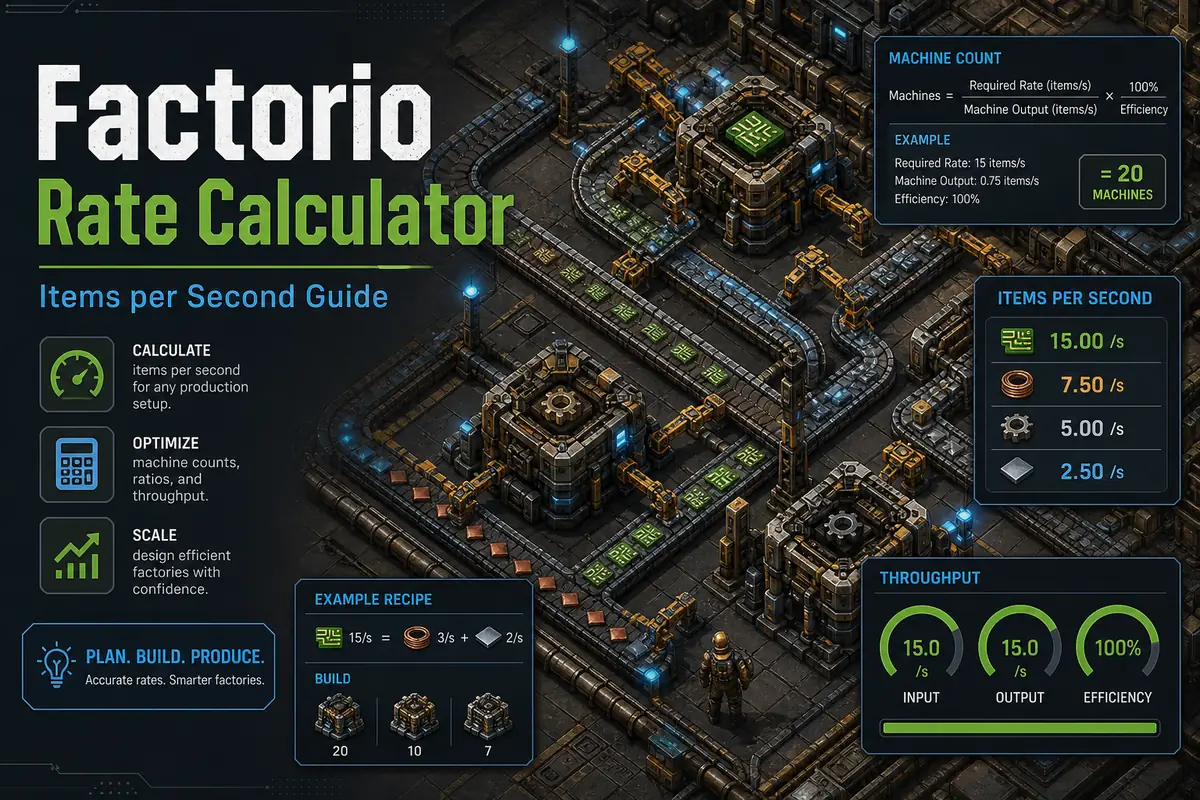
The Basic Factorio Production Rate Formula
Every rate calculation starts with recipe output, recipe time and machine crafting speed. The exact details vary by recipe and machine, but the planning model stays stable.
| Input | Meaning | Why It Matters |
|---|---|---|
| Recipe time | How long one craft takes before speed modifiers. | Longer recipes need more machines for the same output rate. |
| Recipe output | How many items one craft creates. | Some recipes output multiple items and should not be treated as one item per craft. |
| Crafting speed | The machine speed multiplier. | Assembler tier, furnaces, chemical plants and special machines change output rate. |
| Modules and beacons | Speed, productivity and efficiency effects. | They change machine count, ingredient demand and power draw together. |
| Target rate | The desired items per second or per minute. | This is the number the rest of the factory must support. |
Items per Second vs Items per Minute
Items per second is best for belts and inserters. Items per minute is better for science planning and factory goals. A good Factorio rate calculator should make switching between both units easy.
Use items per second for belts
A belt has a hard throughput limit. If calculator output exceeds the belt capacity, the build will back up even when machine ratios look correct.
Use items per minute for SPM
Science planning is usually expressed as 60, 100, 250 or 1000 science per minute. Convert those targets into per-second rates before sizing belts.
Use both for debugging
When a line stalls, compare expected output per second with actual belt movement and machine uptime. The mismatch usually exposes the bottleneck.
Belt Throughput Checks
Rate math becomes useful when it is compared with transport capacity. Belt limits are a simple reality check for every production block.
| Belt Type | Throughput | Planning Use |
|---|---|---|
| Yellow transport belt | 15 items/s | Early game production and low-volume ingredients. |
| Red fast transport belt | 30 items/s | Mid-game builds where yellow belts are saturated. |
| Blue express transport belt | 45 items/s | High-throughput bus lines and late-game production. |
| Green turbo transport belt | 60 items/s | Space Age high-throughput builds where available. |
Recommended Rate Calculator Workflow
Choose one target output
Pick a clear target such as 45 iron plates per second, 100 science per minute or 10 processing units per second.
Calculate one machine output
Use recipe time, recipe output and machine crafting speed to find the rate of a single machine before modules.
Add modules and beacons
Recalculate after speed or productivity effects. Do not reuse an unmoduled ratio for a beaconed block.
Check ingredient rates
Every output has upstream input demand. A correct final machine count still fails if copper, iron, fluids or circuits arrive too slowly.
Check transport and power
Compare output with belts, pipes, inserters, trains and power supply before copying the build into a larger factory.
Need exact machine counts?
Use the live Factorio calculator for full recipe chains, modules, beacons and Space Age recipes, then use this guide to sanity-check rates and belts.
Factorio Rate Calculator FAQ
How do I calculate production rate in Factorio?
Calculate one machine output with recipe output, recipe time and crafting speed, then divide your target output rate by that machine rate. Add modules and beacons before finalizing the count.
Should I plan Factorio rates per second or per minute?
Use per second for belts, inserters and throughput checks. Use per minute for science goals such as 60 SPM, 100 SPM or 1000 SPM.
Why does my calculated production line still bottleneck?
The usual causes are belt saturation, inserter limits, missing ingredients, fluid backup, insufficient power, module changes or train delivery gaps.
Do modules change Factorio production rates?
Yes. Speed modules, productivity modules and beacons change effective production rate, ingredient consumption and power demand, so rates should be recalculated.
Is a rate calculator different from a ratio calculator?
Yes. A ratio calculator balances recipes. A rate calculator answers how many items per second or per minute a build produces or consumes.
Sources and Further Reading
These references help verify belt throughput, recipe math and calculator behavior.