Factorio Planner Guide: Factory Planner, Calculator or Upgrade Planner?
A Factorio planner is not one single tool. Use a production calculator when you need a fast ratio, a factory planner when you are solving a recipe network with byproducts, and the in-game Upgrade Planner when you are changing entities you already built. This guide separates those jobs so you can choose a tool before spending an hour on the wrong kind of plan.
Last updated: August 10, 2026. Written for Factorio 2.0 and Space Age planning workflows.
Quick Answer: Which Factorio Planner Should You Use?
Start with the question you are trying to answer. If you already know the recipe and only need machines, belts or power, use the Factorio calculator. If you are choosing several recipes, balancing multiple outputs or testing alternative inputs, use a factory planner such as Factory Planner or FactorioLab. If the factory already exists and you want to replace belts, assemblers, furnaces or modules, use the in-game Upgrade Planner. The best workflow often uses two tools in sequence rather than forcing one planner to do everything.
- Use a calculator for a known target such as science per minute, items per second or a power block.
- Use a factory planner for recipe graphs, alternative machines, multiple outputs and byproduct constraints.
- Use Upgrade Planner for controlled entity replacement, blueprint updates and reverse or quality changes.
- Use a blueprint guide or train guide after the numbers are settled and the physical layout still needs testing.
- Keep the target output, recipe assumptions, module choices and game version written beside the plan.
Planning Has Three Different Jobs
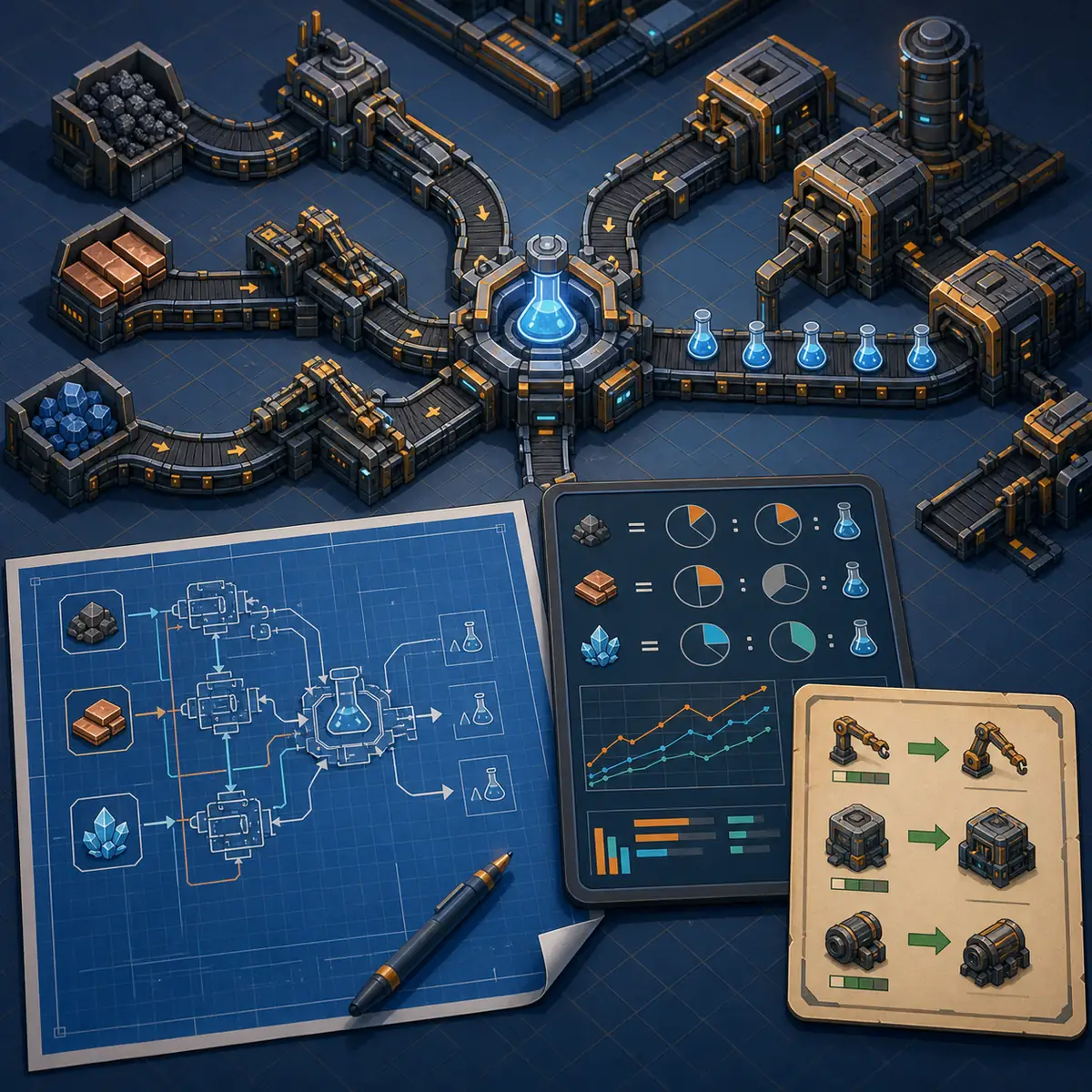
The illustration below is an editorial concept, not an official gameplay screenshot. It shows the three layers that players often mix together: a blueprint is a physical layout, a calculator is a fast production-math answer, and a planner is a place to explore a connected production system before building it.
Factorio Planner Decision Table
The word planner covers several different jobs. Pick the row that matches the decision you need to make now, then move to another tool only after the current question is settled.
| Tool or planner type | Best for | What it should answer | Common mistake |
|---|---|---|---|
| Factorio calculator | A known recipe or output target | How many machines, belts, fluids or power units are required? | Using a single result as if it were a complete factory layout |
| Factory Planner mod | In-game recipe networks and alternatives | Which production chain, machine set and byproduct route fits the factory? | Ignoring the chosen surface, modules, fuel or mod assumptions |
| FactorioLab or a web planner | Fast exploration across recipes and scenarios | What changes when the target, recipe, module or quality assumption changes? | Treating a web result as a blueprint that is ready to stamp |
| In-game Upgrade Planner | Replacing existing entities | Which eligible entities should change from one tier or type to another? | Dragging a broad blank planner over a mixed factory |
| Blueprint book | Reusable physical layouts | Where should belts, rails, stations, machines and poles be placed? | Importing before testing version, signals, train length and inputs |
What Each Factorio Planner Is Actually Good At
A useful Factorio planner reduces one kind of uncertainty. The fastest way to get a bad result is to ask a tool to solve a different problem from the one it was designed for.
Calculators answer a bounded question
A calculator is ideal when the goal is specific: 60 green science per minute, a solar field, a nuclear block or a belt throughput target. It makes the answer easy to inspect and easy to turn into a build list. The tradeoff is that you must provide the right recipe, modules, quality assumptions and target yourself.
Factory planners explore connected recipes
Factory Planner and similar tools are more useful when the design is still changing. They can show a network of recipes, let you compare machines or modules and make tradeoffs visible when one recipe creates an unwanted byproduct. The output is a model, not proof that the physical layout will work.
Upgrade Planner changes what already exists
The in-game Upgrade Planner is about replacement rules: belts to faster belts, assemblers to a later tier, or one compatible quality target to another. It is not a production planner. After an upgrade, reopen the calculator and check whether the new speed, modules or power demand changed the bottleneck.
Blueprints preserve a physical decision
A blueprint records placement, direction, spacing and logistics. It is the right handoff after the production model is stable. Keep source and tested copies separate, especially for rail intersections, stations, malls and Space Age layouts with version-specific entities.
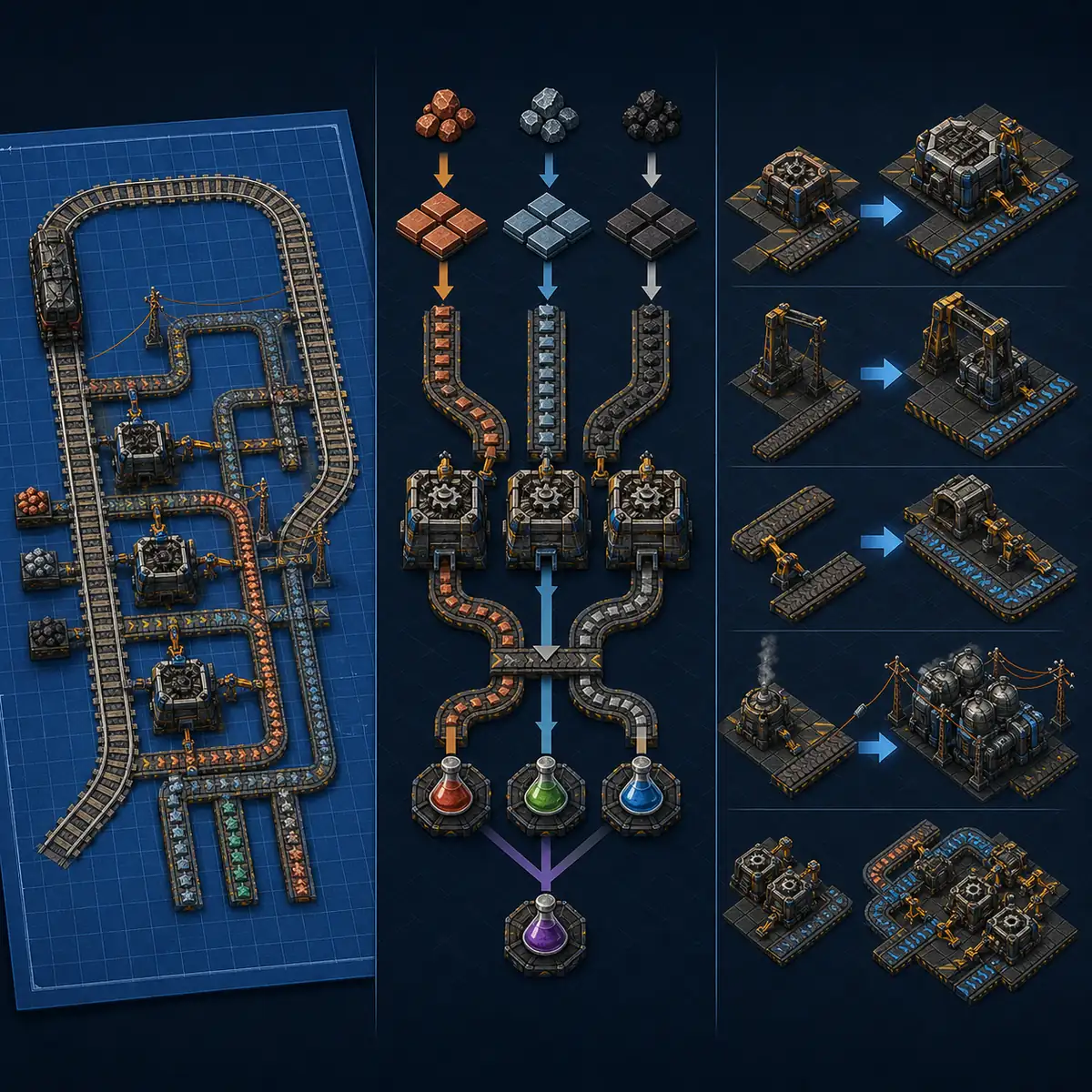
A Practical Factorio Production Planning Workflow
Use this sequence when you are not sure whether to open a calculator, a factory planner or the game itself. It keeps assumptions visible and prevents a polished layout from hiding a weak production model.
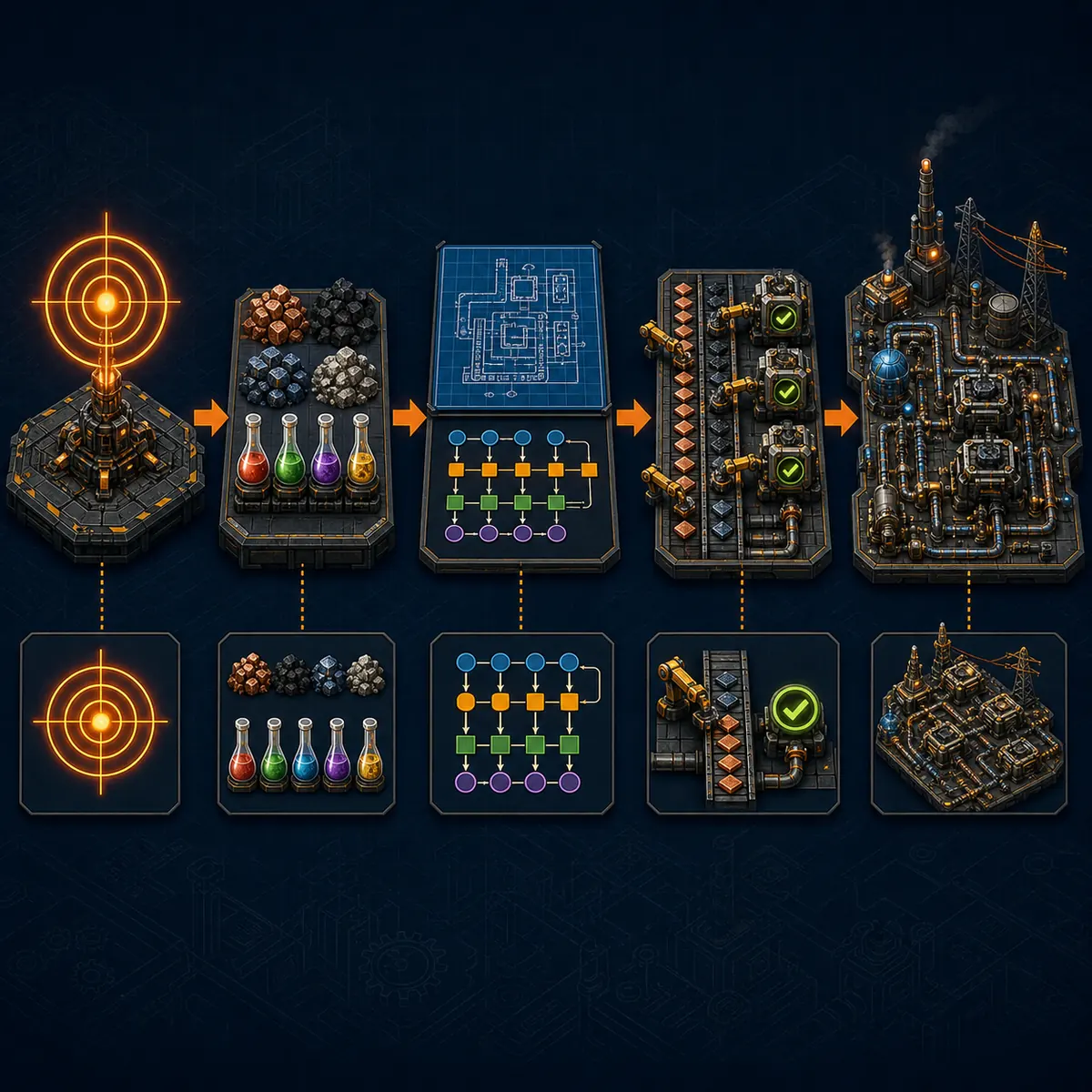
Write the factory goal
Name the output, target rate and reason for the build. A science target, a mall, a module line and a train-fed smelting block have different constraints. If the target is vague, every later number can be technically correct and still be unhelpful.
Fix the recipe context
Record vanilla or modded recipes, the Space Age planet or surface, machine tier, modules, beacons, quality settings and whether the target is input-limited or output-limited. Do not compare two plans until these assumptions match.
Choose the smallest useful planner
Open the calculator for one known chain. Open a factory planner when several recipes or byproducts are still competing. Use the Upgrade Planner only after the physical factory or blueprint already exists and the replacement rule is clear.
Verify capacity outside the model
Translate the result into belts, pipes, inserters, trains, power and storage. Check whether the selected blueprint has enough input lanes, station space, signal blocks and construction access. A planner can expose a ratio while a layout still creates a deadlock.
Build a small test slice
Place one module or one production block first. Watch input buffers, output saturation, fluid balance, robot supply and train behavior. Save the tested layout as a new blueprint only after the slice survives real demand.
Factory Planner vs Factorio Calculator
These tools overlap, but they are not interchangeable. A factory planner is strongest when the network is still being designed; the calculator is strongest when you want a clear, reviewable answer for a bounded target.
| Question | Start with | Why | Then check |
|---|---|---|---|
| How many assemblers make this output? | Factorio calculator | The target and recipe are already known | Belt, power and module capacity |
| Which recipe route handles several byproducts? | Factory Planner or FactorioLab | The production graph and alternatives matter | Storage, cracking, waste and downstream demand |
| How much power does the final block need? | Calculator | Power and machine counts can be isolated | Fuel, heat, water and distribution layout |
| Can I change a blueprint to a later tier? | Upgrade Planner | The game needs a replacement rule | Production ratios and the saved source blueprint |
| Will this train layout work in my base? | Blueprint sandbox test | Signals, train length and station spacing are physical | Throughput and supply with the train calculator |
Byproducts, Space Age and Modded Factory Constraints
The hardest planning problems are rarely a single recipe. They are competing outputs, changing surfaces, quality settings, mod dependencies and logistics limits that the first result does not show.
Byproducts need a destination
Heavy oil, light oil, scrap, spoilage and other secondary outputs must have a sink or a controlled storage plan. A high headline rate is not useful if the byproduct buffer fills and stops the whole chain. Model the destination before increasing the main target.
Space Age changes the context
Planet-specific recipes, foundries, recyclers, biochambers, quality and elevated logistics can change both the recipe graph and the physical footprint. Keep the planet, quality tier and machine assumptions in the plan name so a vanilla result is not reused accidentally.
Mod packs change the data set
Bob's Mods, Angel's Mods, Krastorio 2 and Space Exploration can introduce new machines, ingredients and research gates. Confirm the active data set before comparing a web calculation with an in-game factory planner result.
Logistics are a separate limit
Even a correct recipe graph can fail at belts, pipes, inserters, trains, bots, power or construction access. Convert machine counts to transport demand and reserve room for expansion before stamping a final blueprint.
Common Factorio Planner Mistakes
Most planner failures are assumption failures rather than arithmetic failures. Keep the scope narrow enough that you can explain what changed and why the result should be trusted.
| Mistake | Why it happens | Better practice |
|---|---|---|
| Calling every calculator a planner | The words are used interchangeably in search results | State whether the tool models recipes, calculates a target or replaces entities |
| Mixing vanilla and Space Age recipes | The page or save context was not recorded | Name the version, surface and expansion in the plan |
| Optimizing the main output while ignoring byproducts | Only the headline rate was copied | Give every secondary output a sink, buffer or downstream consumer |
| Applying a blank Upgrade Planner to a mixed factory | Automatic rules match more entities than expected | Use explicit From/To pairs and test a small area |
| Stamping a blueprint before testing it | The planner result looks complete | Test inputs, outputs, signals, power, fluids and construction access first |
Audit the Numbers After You Choose a Planner
Once the planner gives you a production model, use the Factorio rate calculator to check output, machine counts and belt demand before you build a larger block.
Factorio Planner FAQ
What is the best Factorio planner?
There is no single best planner for every job. Use a factory planner when you are exploring connected recipes and byproducts, a calculator when you need a bounded production answer, and the in-game Upgrade Planner when you are replacing existing entities.
Is FactorioLab a planner or a calculator?
It can serve both roles depending on how you use it. It is useful for exploring production chains and scenarios, while a focused calculator page is often easier to audit for one target rate. Treat either result as a model that still needs a physical layout check.
What is the difference between Factory Planner and Upgrade Planner?
Factory Planner helps design production recipes and machine networks. Upgrade Planner is an in-game replacement tool that changes eligible entities or blueprint contents from one type or tier to another. They solve different stages of a factory project.
Can a Factorio planner handle byproducts?
A production planner can help model byproducts, but the result is only useful when every secondary output has a destination, buffer or controlled sink. Always verify storage, cracking, spoilage, scrap or downstream demand before scaling the main output.
Should I use a planner before a Factorio blueprint?
Usually yes. Use the planner to settle recipes, targets and assumptions, use a calculator to audit the numbers, then test or create the blueprint. A blueprint records placement but does not prove that the production model or logistics will remain balanced.
Does the Factorio planner work for Space Age and mods?
It depends on the data set. Space Age planets, quality, recyclers, biochambers and elevated logistics change the assumptions, while overhaul mods add different recipes and machines. Confirm the active version, surface, mods and quality settings before trusting a result.
Official References and Planner Sources
The page separates tool roles using the official Factorio Wiki for in-game planner behavior, the official Factorio Mod Portal for Factory Planner, and FactorioLab as a production-planning reference. The illustrations on this page are editorial concepts, not copied screenshots.